What is AI Scrape OS?
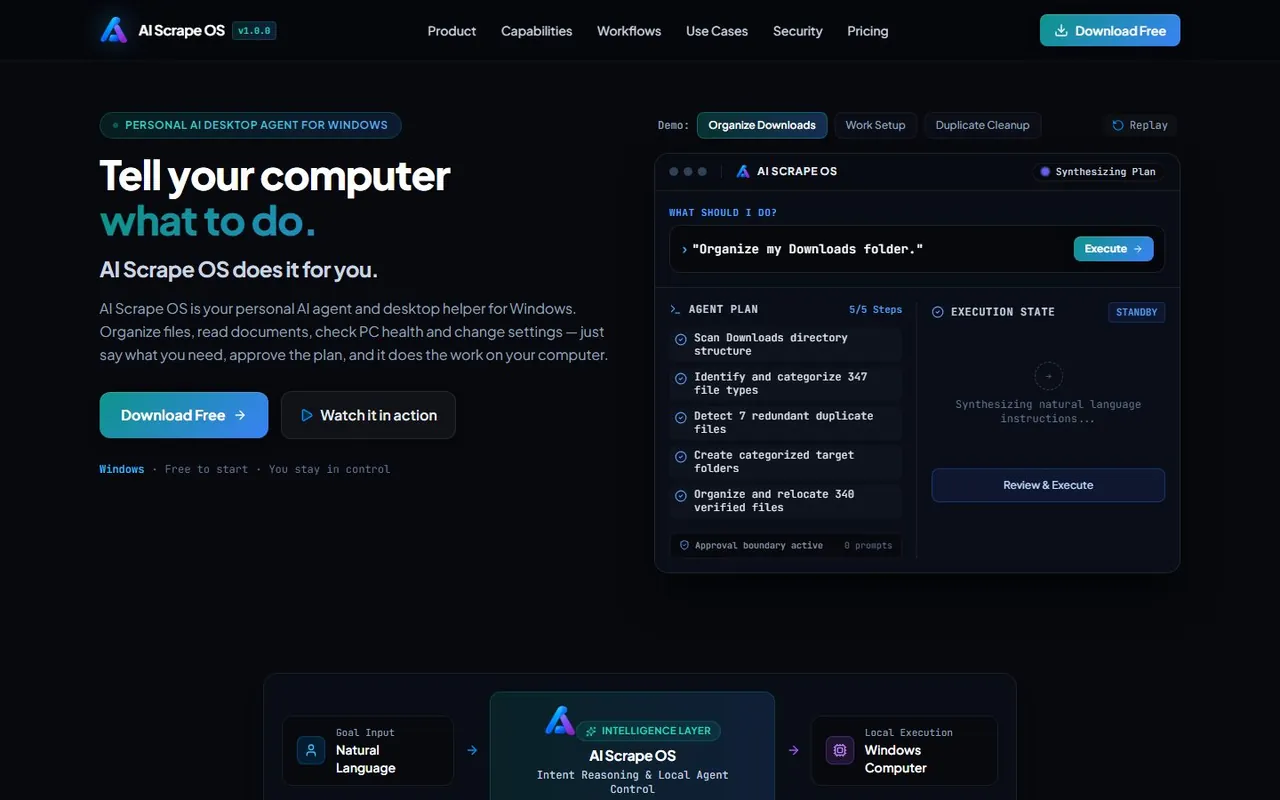
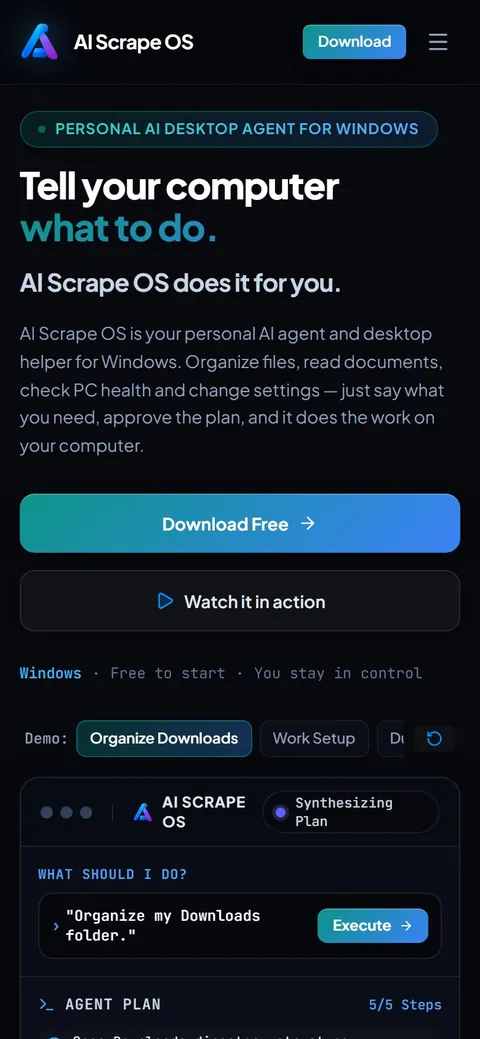
Most AI assistants only reply in a chat window. AI Scrape OS is an AI desktop agent: it runs on your Windows 10 or 11 PC and carries out the task itself, finding, moving, renaming and converting files, reading documents and changing settings.
You ask the way you would ask a person, "tidy my Downloads" or "find last month's invoices", and it works out the steps. Before anything changes it shows the plan, the commands and the target folders, and sensitive actions wait for your approval.
Everything happens on your own machine through the local agent, it only touches the folders you allow, and a local activity history records what was done.
Features
Acts, not just answers
Carries out file, document and settings tasks on your PC instead of only describing them.
Plan first, then do
Shows the steps, commands and folders it will touch before it runs.
You stay in control
Permission-based actions and an approval boundary for anything sensitive.
Activity history
A local audit record of everything the agent performed.
Everyday PC chores
PC health checks, freeing disk space, startup apps, bulk renames and image-to-PDF.
Documents too
Find a file by what it contains, or summarize a PDF or Word document.
How it works
Say what you need
Type a goal in plain English, such as "organize my Downloads folder".
Review the plan
See every step and target folder before it runs, and approve it.
Let it work
The local agent does the task on your computer and logs what it did.
Who it is for
AI Scrape OS is for Windows users who want help with the jobs nobody enjoys: clearing clutter, working out why the PC is slow, renaming hundreds of photos, or setting up a machine for work.